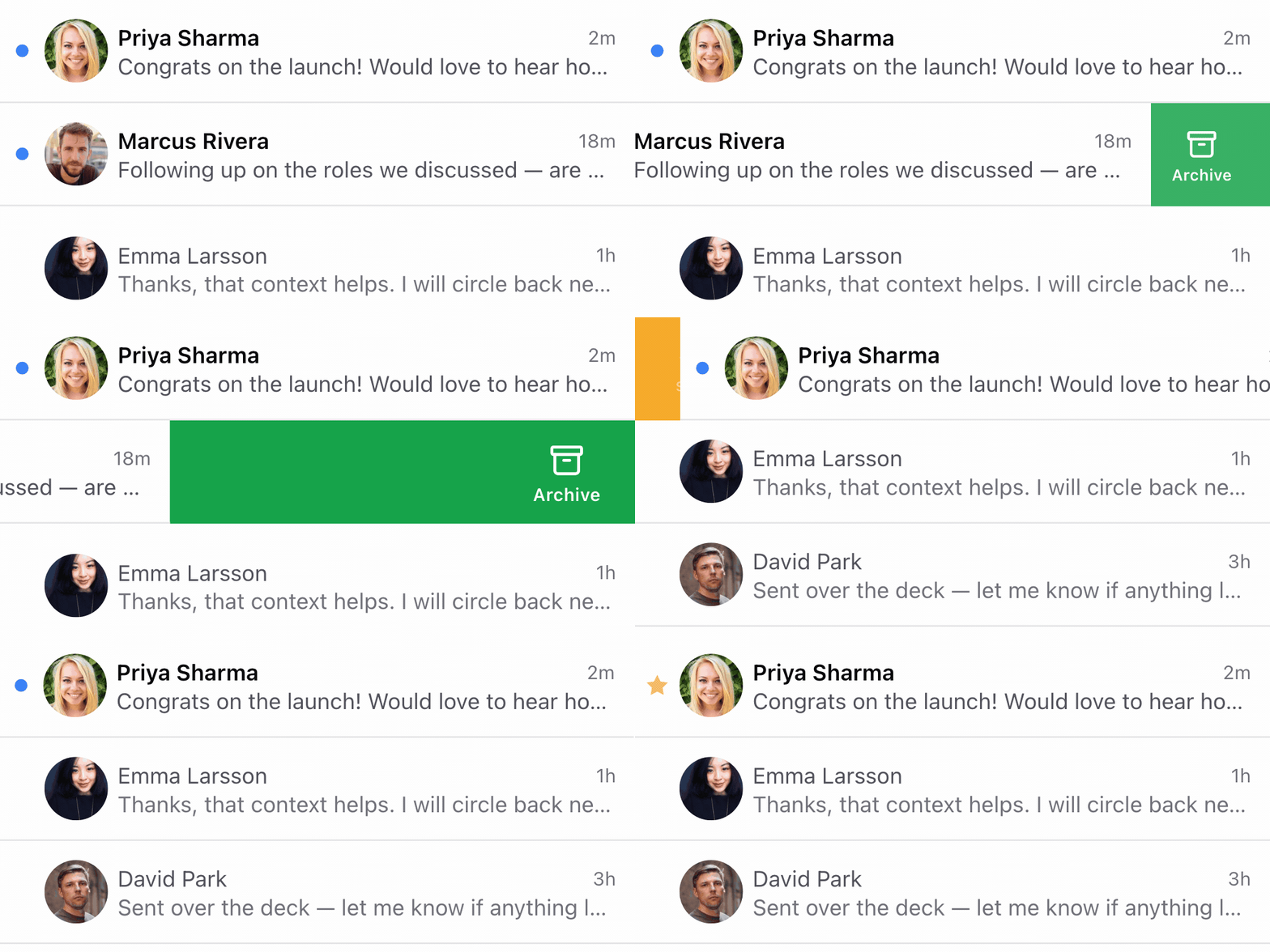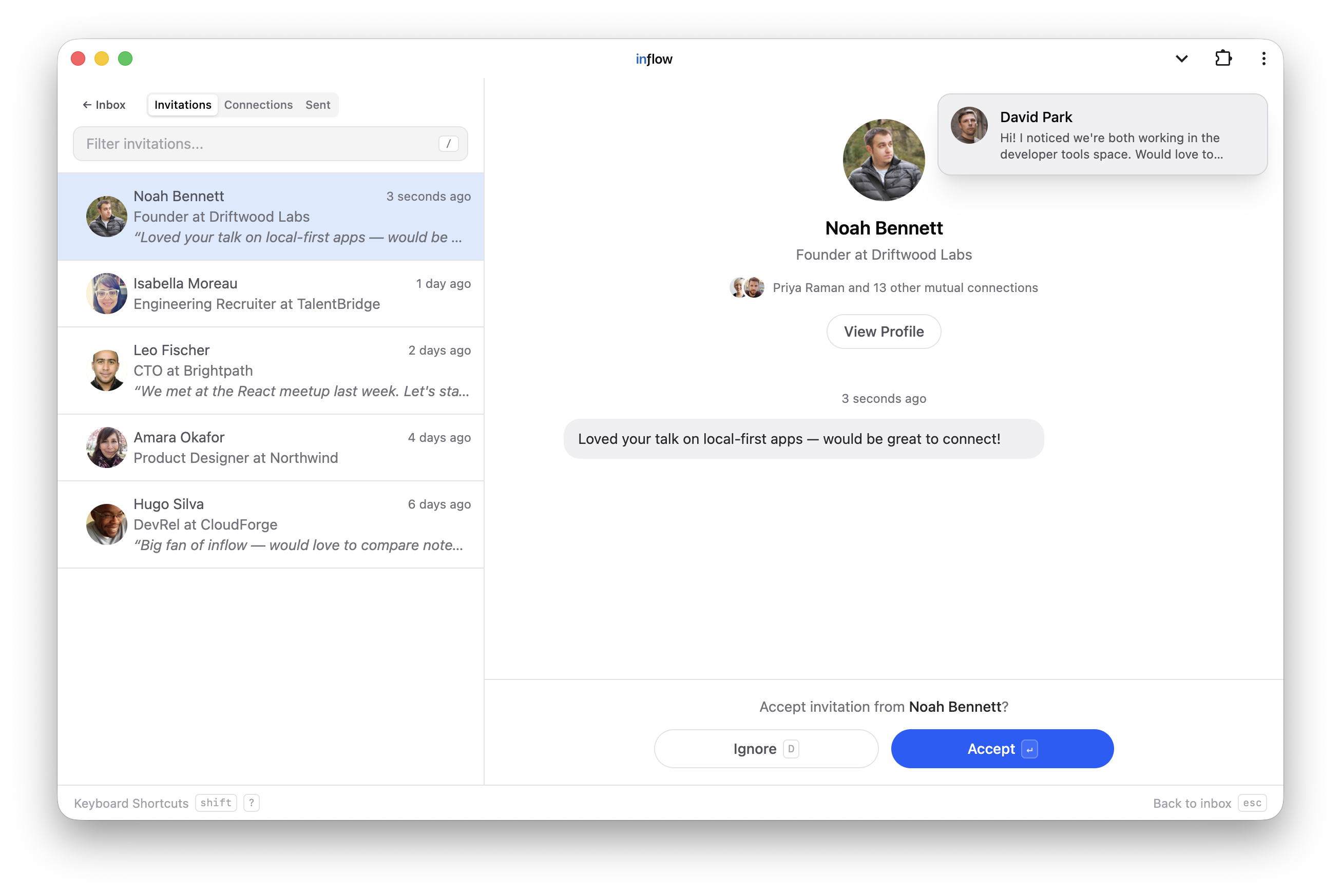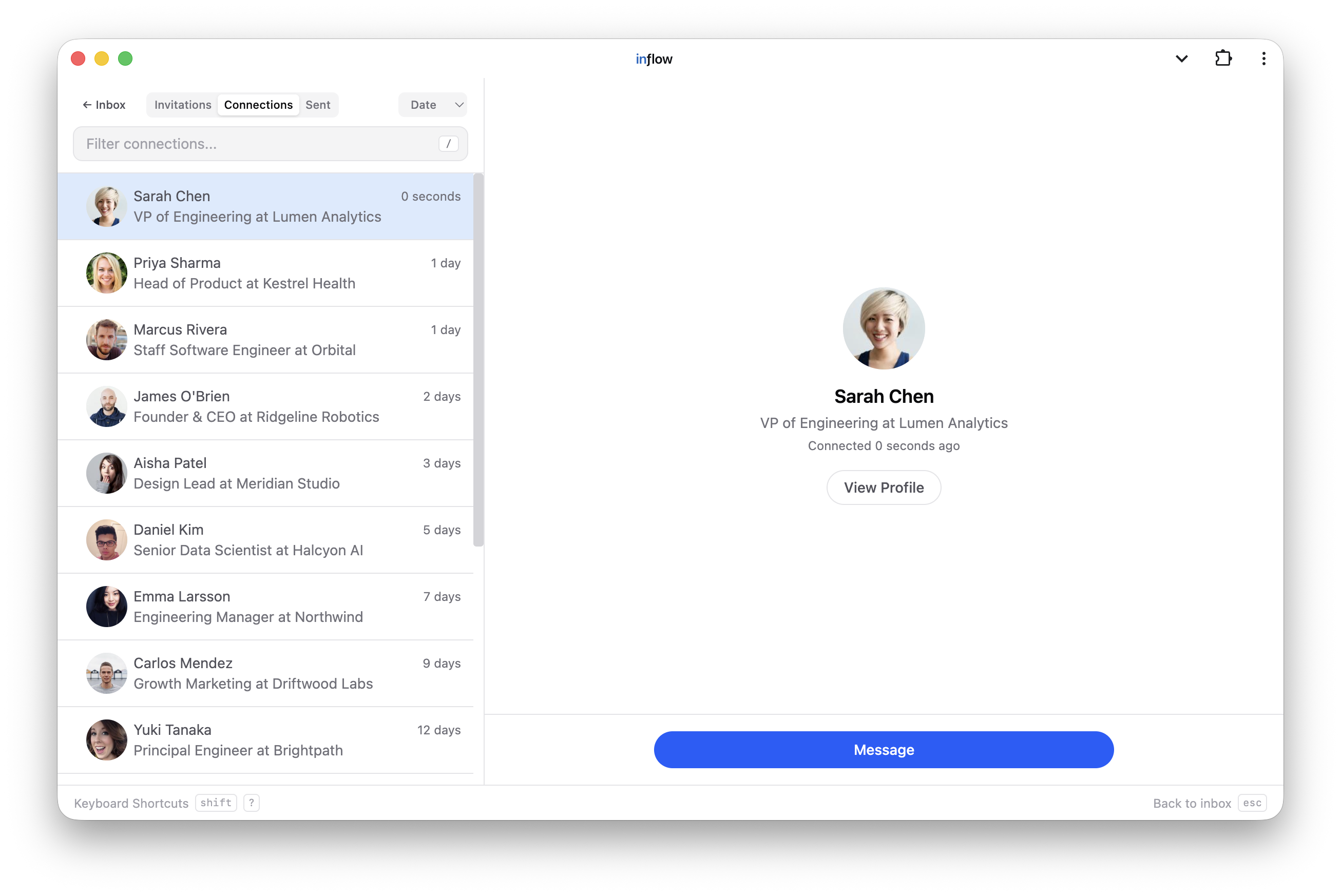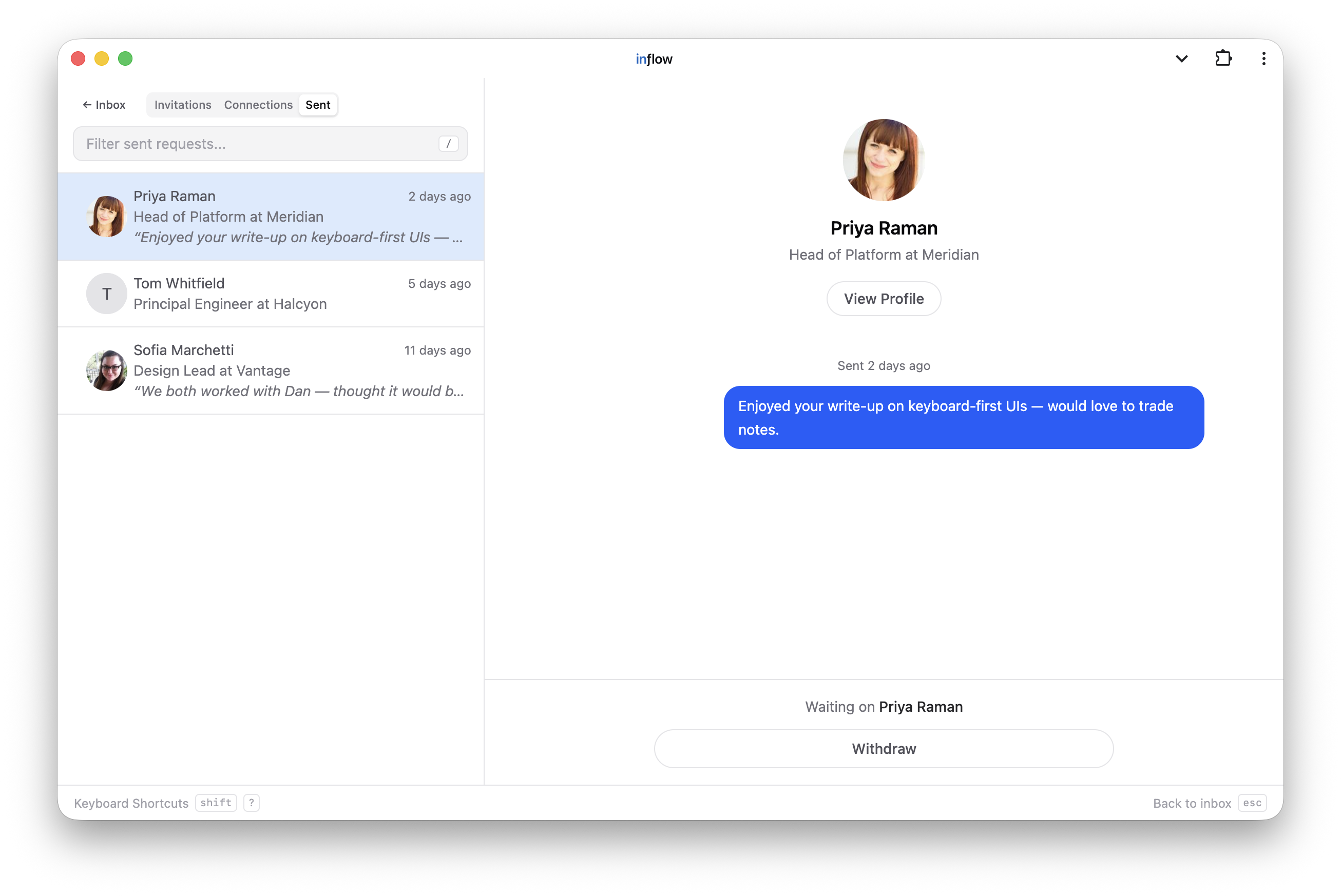
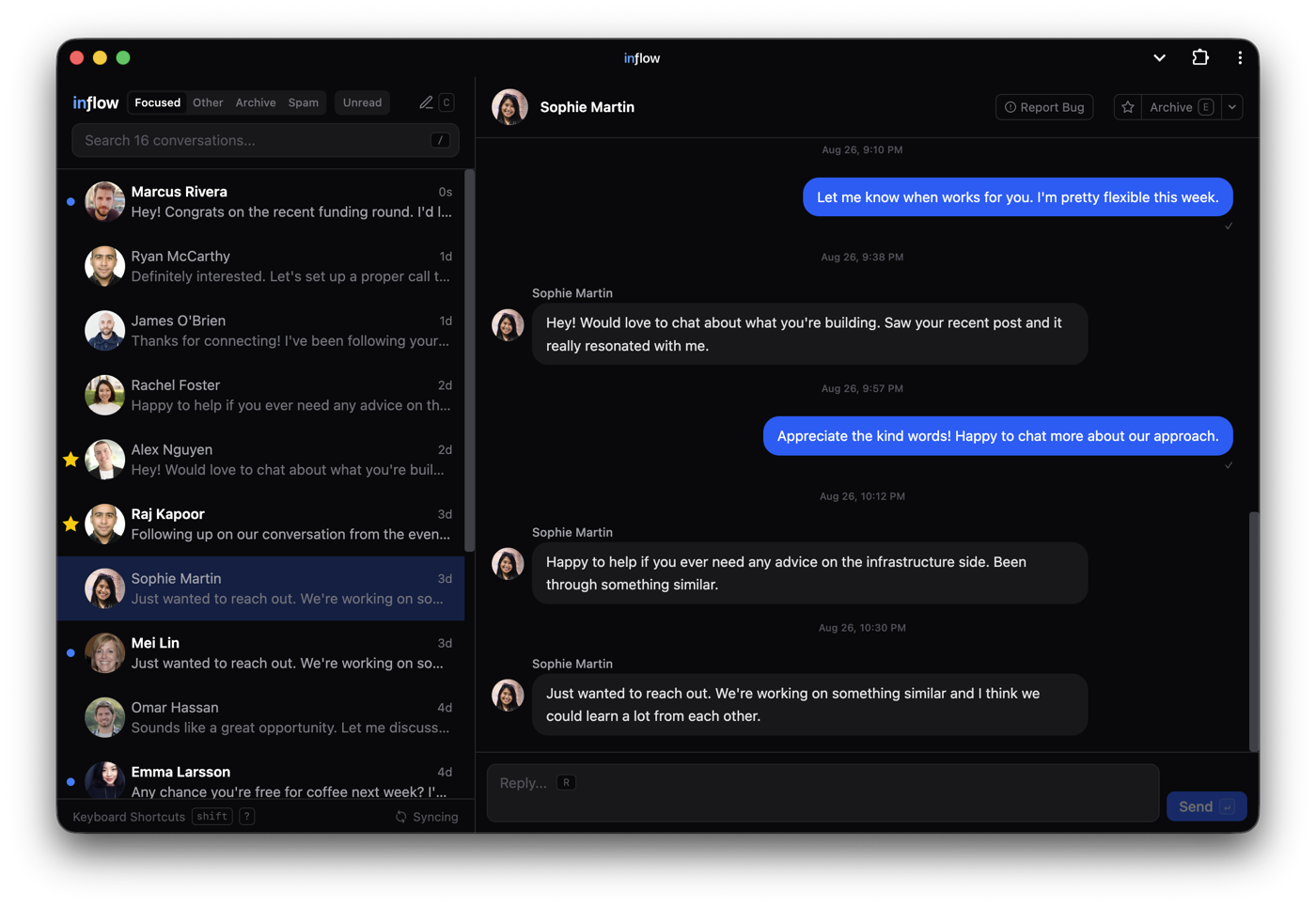
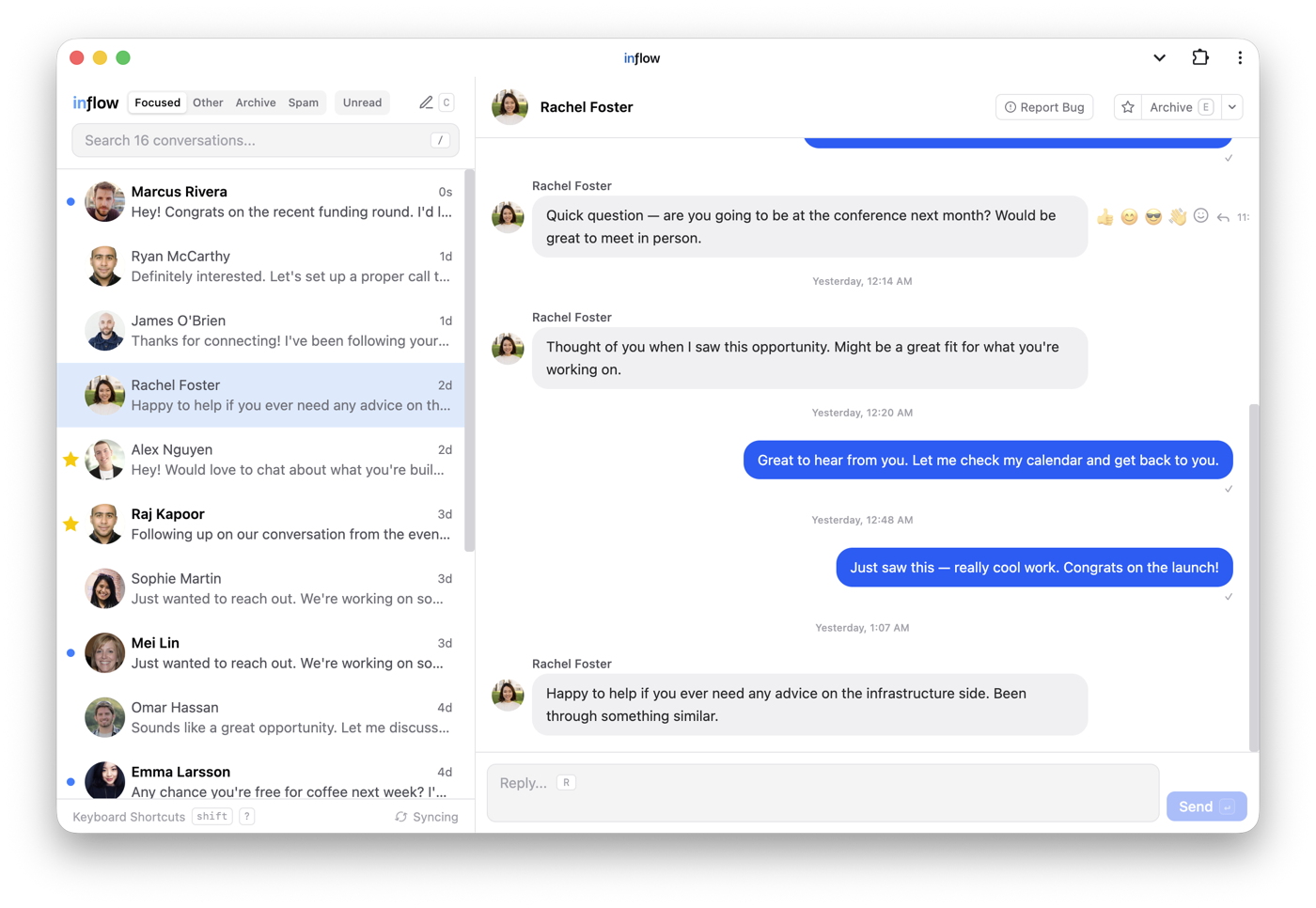
inƒlow becomes an app. It now lives at a real URL — inflow.im/app — and installs as a standalone desktop app with its own dock icon, unread badge, and native notifications. It also lands on Microsoft Edge. Underneath, 30 bugs found by a systematic audit of the composer, optimistic actions, caching, and realtime layers, each locked in by a regression test (the suite grew to 1,003 tests).
Added
- The app now lives at inflow.im/app — a real, memorable URL instead of
chrome-extension://…/app.html. The page embeds the extension full-screen (same local database, same everything), shows an install page when the extension isn't there yet, keeps working offline after the first visit, and can be installed as a standalone desktop app (dock icon and its own window) via Chrome's Install inƒlow menu item. The old extension URL keeps working.
- Unread count on the dock icon — when inƒlow is installed as a desktop app, the dock icon shows the number of unread Focused conversations (the same count as the toolbar badge); the browser-tab title shows it too, like
(3) inƒlow.
- Compose from the dock — right-click the installed app's dock icon → Compose new message opens inƒlow with the new-message composer ready.
- Native-feeling window — the installed app draws edge-to-edge into the title bar (window-controls overlay) instead of showing a browser strip.
- Smoother first run — installing the extension now opens the inbox immediately instead of leaving you to find the toolbar icon.
- Notifications carry the inƒlow identity in the installed app — when the desktop app window is open (with notification permission granted), new-message alerts come from inƒlow with its own icon instead of being attributed to Chrome; clicking one focuses the app and opens the conversation. Without an app window they fall back to the extension's notifications as before.
- inflow.im goes straight to your inbox — with the extension installed, visiting the homepage redirects to inflow.im/app; inflow.im/home always shows the homepage, which notices the install: the header button becomes Open inƒlow → and the install buttons give way to a green Installed for Chrome check that also opens the app. The inƒlow mark in the app's sidebar links back to the homepage.
- inƒlow is coming to Microsoft Edge — the extension is submitted to the Edge Add-ons store, and Edge installs update themselves from there like Chrome Web Store installs do (no "move to the store" prompt).
- In-page install prompt — the app page now offers a one-click Install inƒlow as an app chip when Chrome reports it installable, instead of leaving you to find the omnibox menu item.
Fixed
- Conversations in Other can move back to Focused — the command palette, the thread list's right-click menu, the thread header's dropdown, and the
O shortcut all showed only "Move to Other", even for conversations already there. Each now flips contextually to "Move to Focused" (and O toggles); archived and spam threads keep their existing routes back.
- Notifications from the installed app work again — the app asked for notification permission once and recorded the ask before you answered, so dismissing the prompt (rather than choosing Allow or Block) left permission undecided and permanently unaskable: every alert quietly fell back to one attributed to Chrome. The ask is now recorded only once you decide, and whenever permission is still undecided the app offers a Turn on inƒlow notifications button — so a browser tab, a dismissed prompt, and an install carrying the old flag can all still turn them on.
- @-mentions in messages are now links — a mentioned name used to render as plain text; it now links to the person's or company's LinkedIn profile.
- Replying from LinkedIn web marks the thread read here too — reading and replying elsewhere used to leave the conversation stuck unread in inƒlow.
- Read receipts no longer go missing — a ✓✓ that arrived before its message did was silently dropped, and realtime updates could wipe stored receipts, reactions, and edit markers off messages that already had them.
- Attachment-only messages get a real preview — an image or file with no text showed "New message" in the list instead of "Sent an image".
- Drafts stop disappearing — navigating past a conversation faster than its draft loaded deleted that draft, a slow load could overwrite text typed while it was in flight, and adding or removing a recipient wiped a new message's draft and attachments outright.
- Failed actions undo themselves correctly — a failed reaction, edit, archive, or star could revert a different, successful change made moments later; a failed send-and-archive left the conversation archived with no way back; and a failed archive could make a thread vanish from every tab at once.
- A stalled network no longer logs you out — a slow LinkedIn response was read as "signed out" and flashed the login screen. A hung attachment upload could also block every later send in that conversation until the extension restarted; it is now bounded.
- Inline images render again — images delivered in one of LinkedIn's URL shapes were dropped entirely, leaving an empty bubble.
- AI replies got cheaper and smarter — autocomplete fired a request on nearly every keystroke (~55 per reply); it now waits for a real pause, keeps the end of your draft rather than the beginning when asking for a completion, and stops predicting when you switch conversations.
- Typing
3:1 no longer opens the emoji picker and turns Enter into an emoji insert instead of a send.
- Storage stops growing without bound — cached profile photos and shared posts were never evicted.
- A big inbox stops stuttering while addressing a message — the recipient picker rescanned every profile and conversation on each typing pause.
- Fixed the reply shortcut leaving a merged conversation's hidden twin unread, a reply-suggestions spinner that could never stop, switching tabs mid-search showing the old tab's results, a long list rendering zero rows after it shrank, a search term next to a filter never matching, archived threads popping back into Focused, a corrupted sync setting silently meaning "sync everything", and closing a thread still marking it read.
Security
- Nothing can frame inflow.im — the site now sends
frame-ancestors 'none' and X-Frame-Options: DENY, since the /app shell holds your real inbox.
- Fixed a service worker cache bug that broke the installed app — any in-scope URL (such as the web manifest) could poison the shell's cache, breaking the app window and Chrome's install check.
- Prompt-building now strips nested tags repeatedly, so message text cannot reassemble a tag and break out of the untrusted-data block sent to the model.